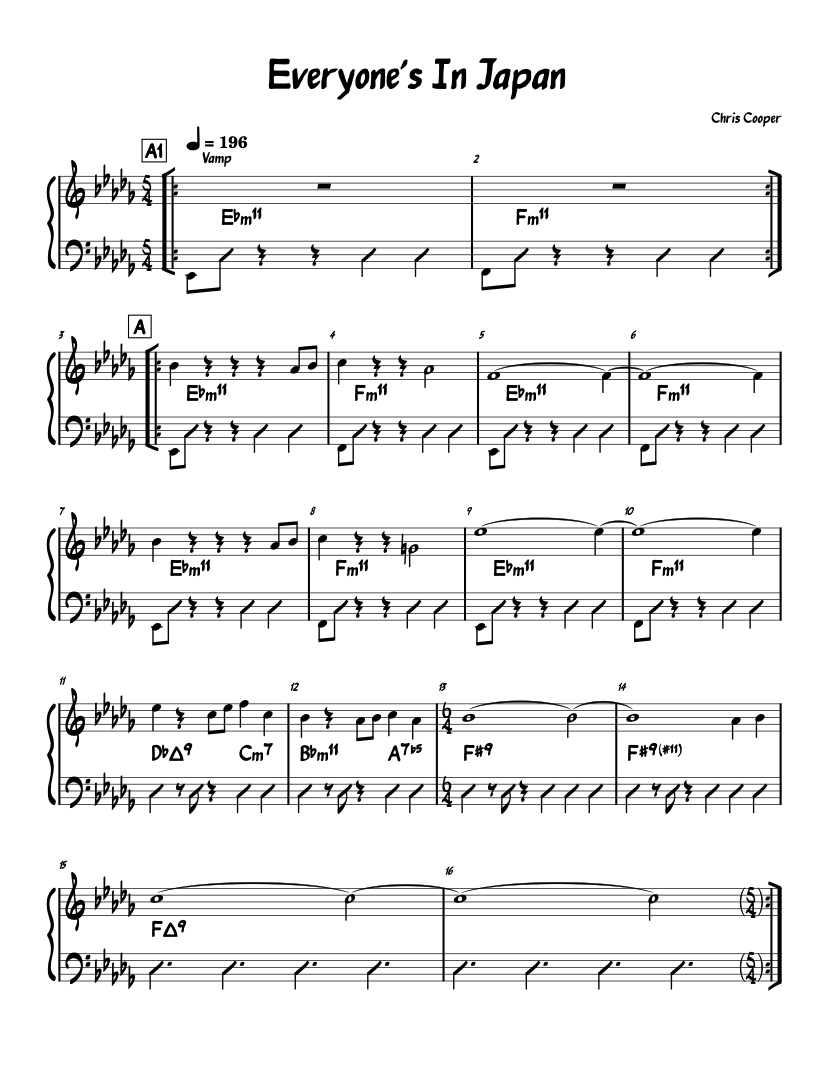
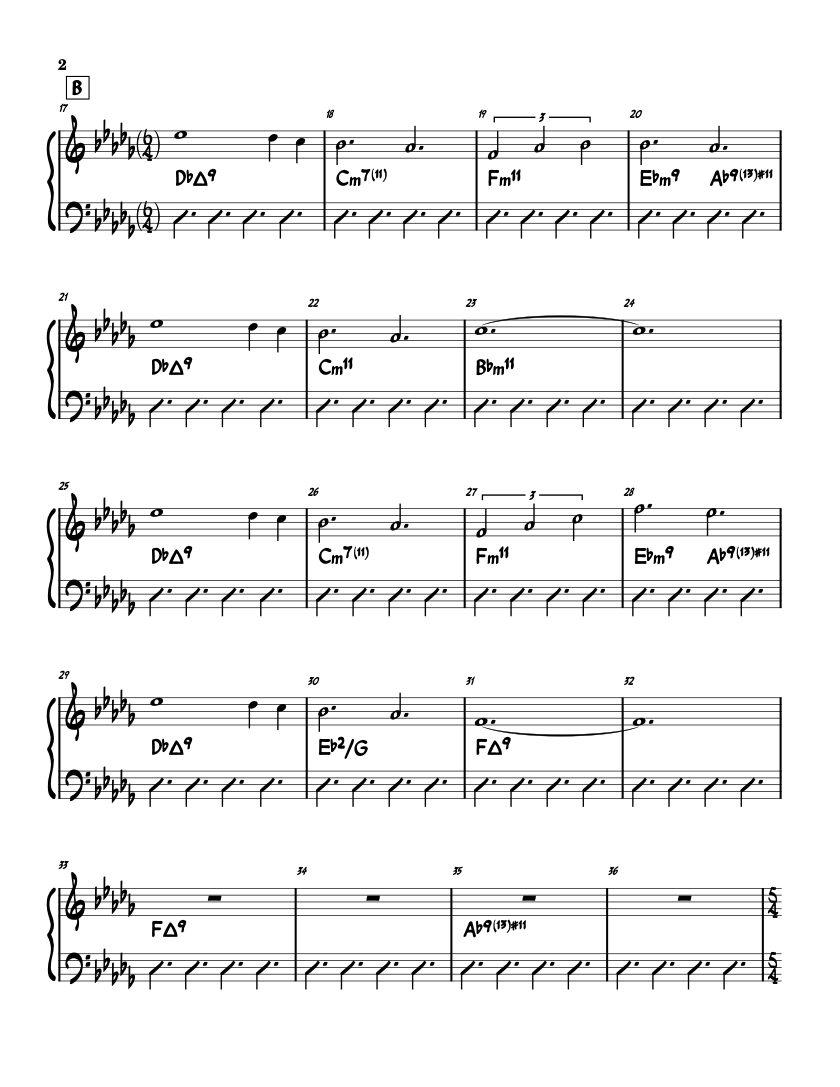
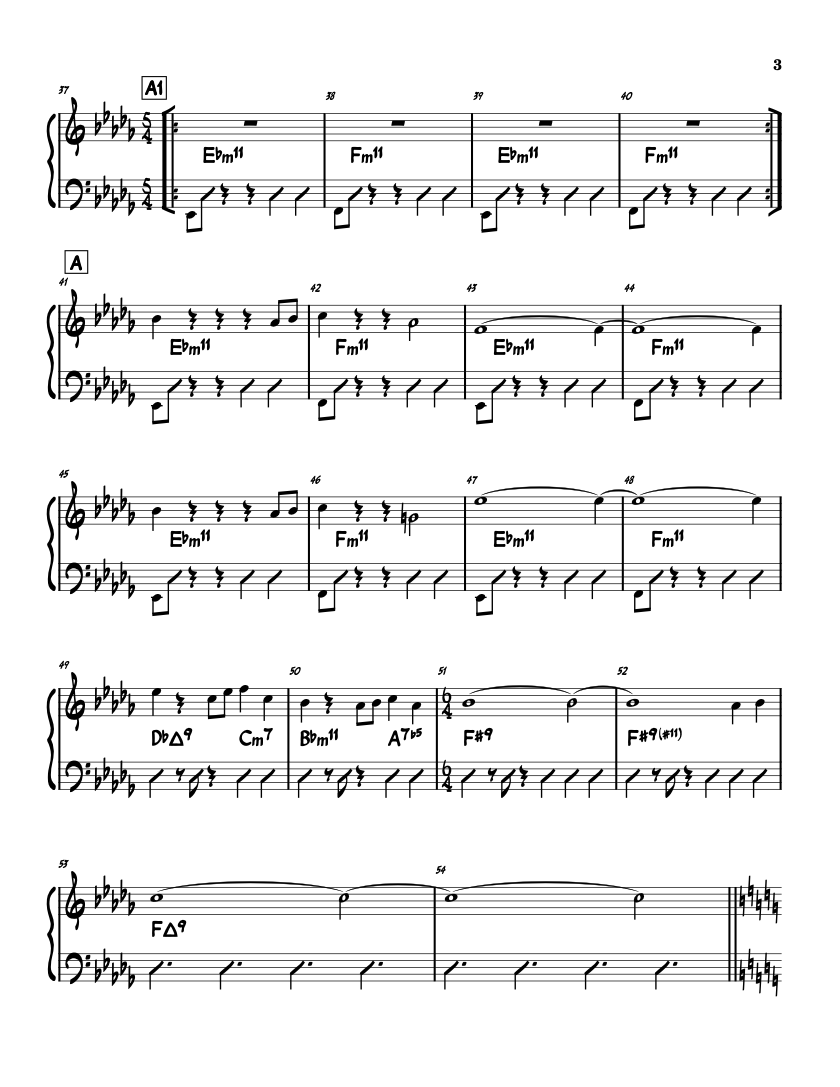
WhatThePDF sends performance-ready score pages directly from the Host Mac to every stand on the local network. The Host keeps control; musicians keep their focus.
01
Open the set
Choose one music PDF or a complete setlist on the Host Mac.
02
Show one QR code
Phones, tablets, and laptops join locally. No account or purchase for the player.
03
Count it in
Turn from the Host or let musicians look ahead while the live page stays visible.
One room. Two roles.
One person runs the show. Everyone else just plays.
Host and Player have different jobs by design: one screen opens the music and runs the room; every other screen stays focused on the score.
Runs the showHOST
WhatThePDF on Mac
Import music, build setlists, mark the score, drive the room display, and start Band Mode.
One-page keyboard, pedal, or MIDI turns
Presenter controls stay off the performance display
Right instrument part for every chair
Plays the showFREE
Browser or Player
Scan, choose your part, and play. A browser is all anyone needs; native Player adds Apple-device controls and saved shows.
No WhatThePDF account
Follow the Host or turn independently
Received pages remain usable through a brief dropout
Built for the count-in
Music first. Everything else backstage.
No scrolling document chrome during the song. The score fills the display, the active page is unmistakable, and the next turn is one key or pedal away.
PERFORMANCE VIEW The music fills the screen. Nothing competes with the chart.
→
One pedal. One page.
Exact turns from a keyboard, clicker, or MIDI pedal. No momentum. No surprise scroll.
♭
The right part.
Attach alternate PDFs by instrument so each musician receives their own chart at the same place in the show.
●
Ready before one.
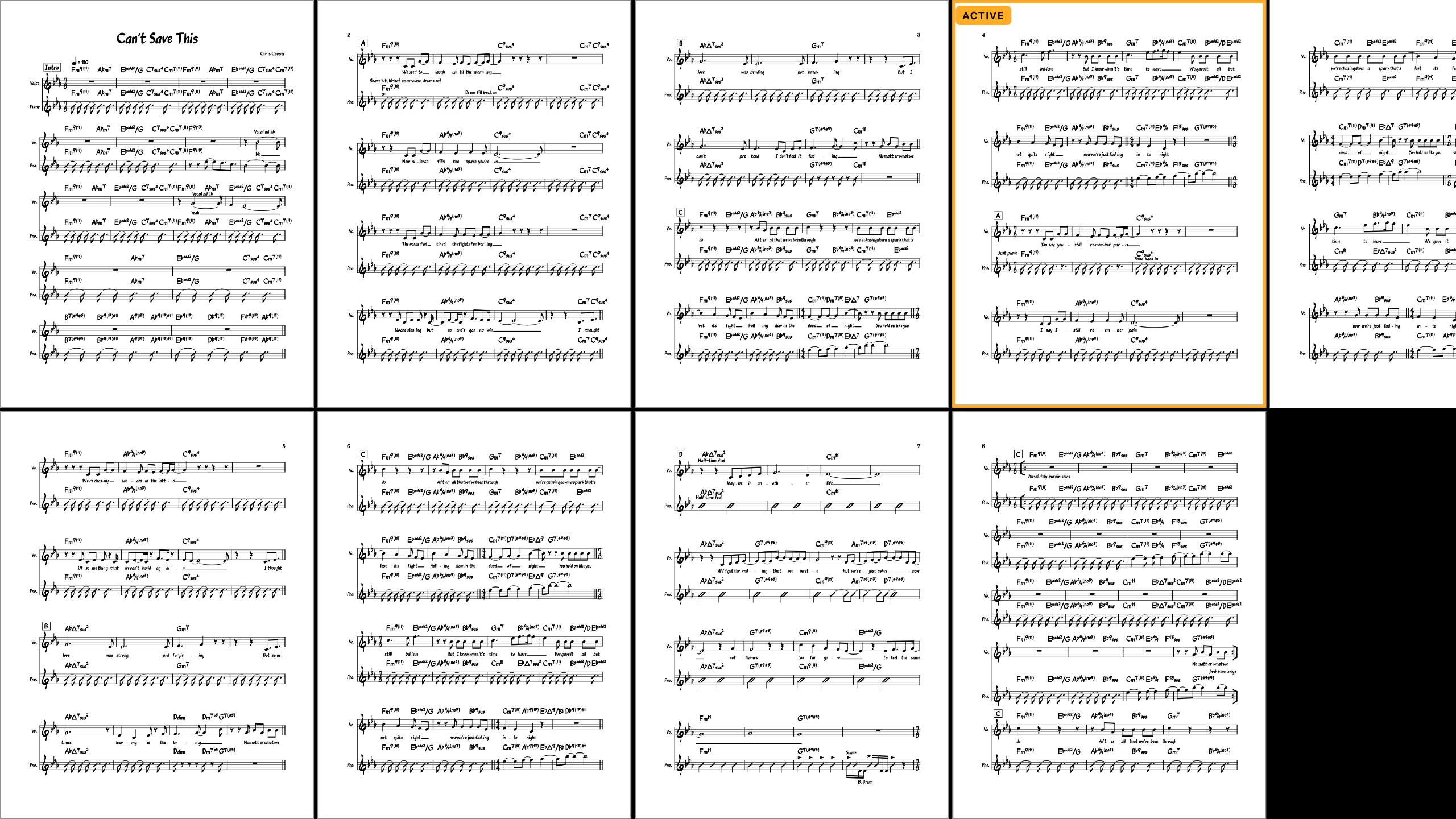
Soundcheck shows which stands are ready, still caching, or need attention before the count-in.
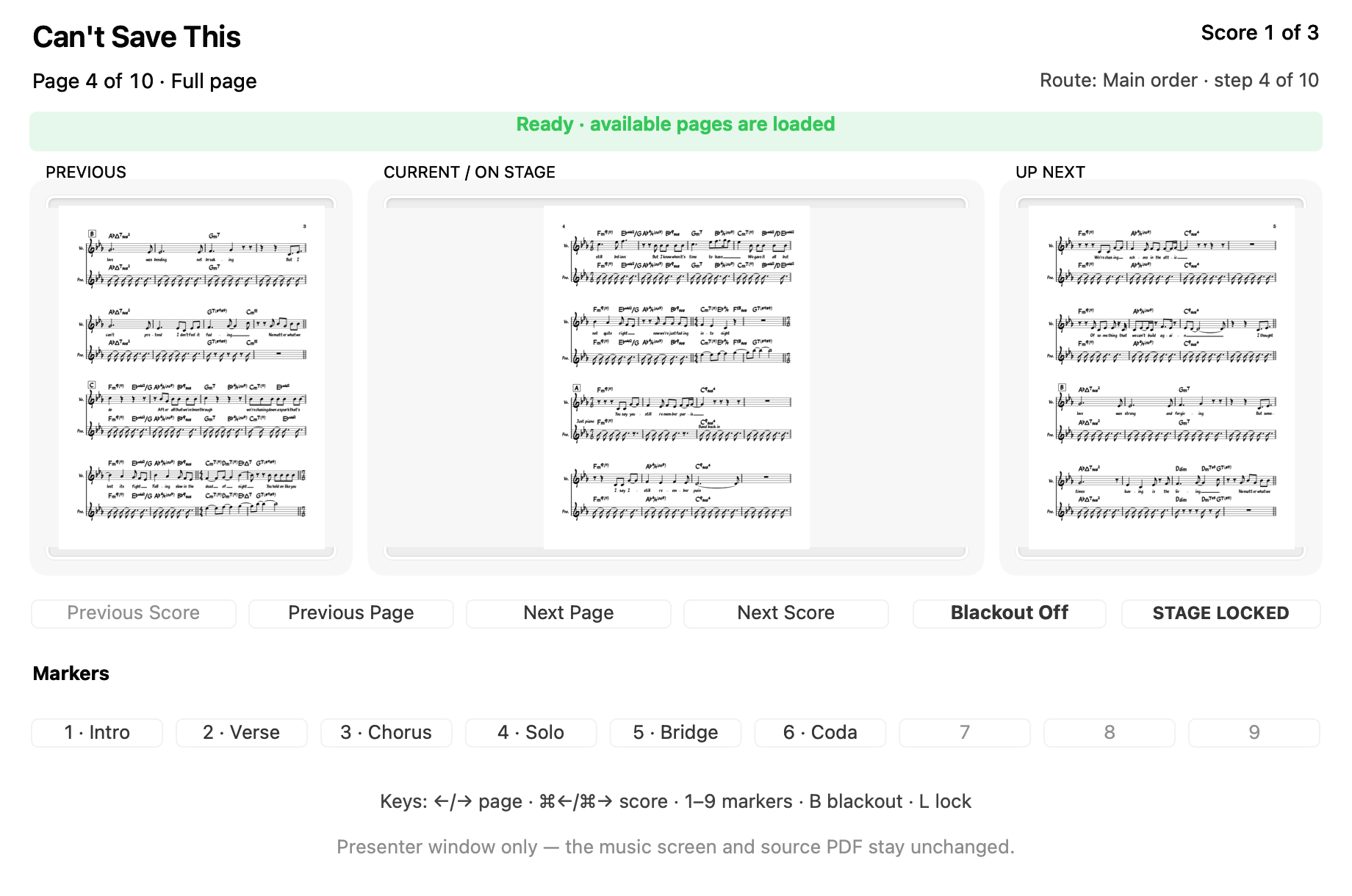
Presenter
Run the set without touching the stage screen.
Keep the previous, current, and next pages on the Mac while the room sees only clean music. Blackout, lock, markers, and song changes stay with the person running the show.
01Local by default
Live pages move from the Host to the room, not through a WhatThePDF server.
02No player accounts
Scan and join. There is no login between the musician and the music.
03No subscription
Host access is a 14-day trial followed by one optional, one-time unlock.
Host access
Bring one score. Give the whole room a music stand.
WhatThePDF for Mac is preparing to launch. The download will include every Host feature for 14 days; after that, Host Unlock is one purchase—not a subscription. Joining in a browser or Player stays free.